Four statuses
Everyone knows at a glance.
The ring of LEDs glows the status colour and the screen spells it out, so nobody has to ask.
Four statuses
The ring of LEDs glows the status colour and the screen spells it out, so nobody has to ask.
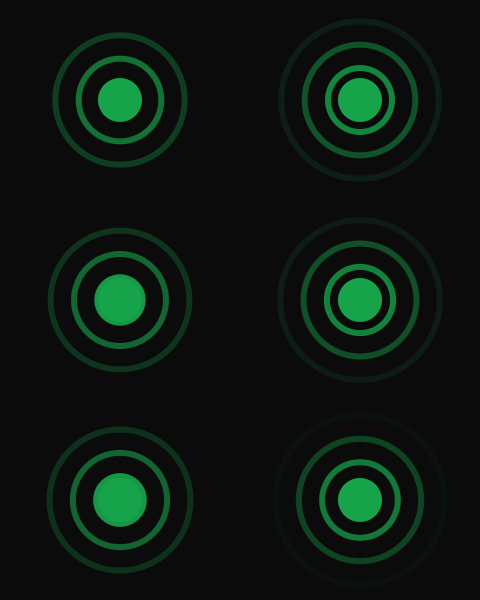
Come over. Questions welcome.

Working or on a call. Interrupt if it matters.
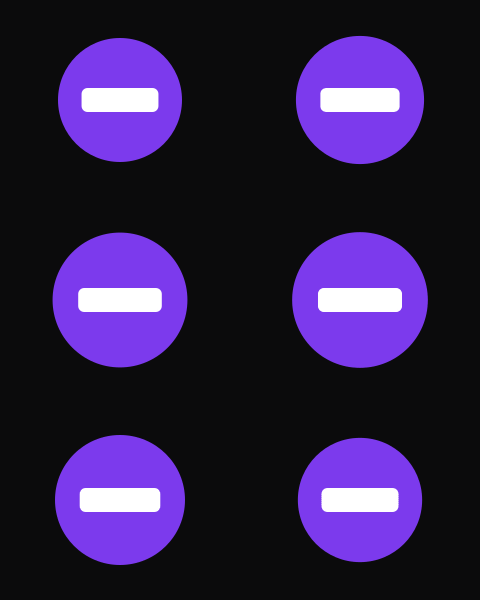
Heads down. Save it for later.
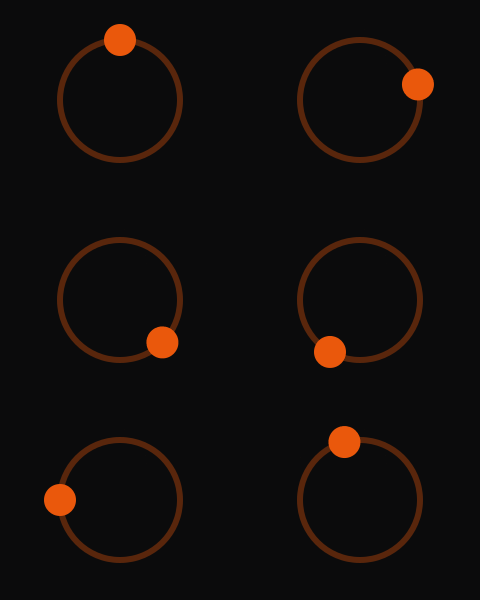
Not at your desk, or not in today.
GIFs
A 1.69" colour screen sits inside the ring, so your status can be a GIF as well as a colour.

A GIF for each status

Show now, with a message

A GIF and your status line
The ring
Sixteen LEDs round the screen can pulse, blink, strobe or spin, so the light gets noticed when it matters.
A bright arc chases round the ring. Hard to miss from across the room, so it's the one for team pushes.
A slow breathe. Good for Do not disturb.
On, off, on. A meeting starts in 5 minutes.
Short, sharp bursts for the things that can't wait.
How it works
Pick whichever is closest. Anything you set by hand wins over the calendar until it runs out.
01
Tap Free, Busy, Do not disturb or Away on your phone or laptop. Add a short message and how long it should last.
02
Paste your calendar's ICS link and bzzy turns Busy for meetings and back to Free after. No Microsoft Graph or admin approval needed.
03
Tap the screen to step through statuses. Long-press to hand control back to your calendar.
The device
A touch screen framed by a ring of LEDs on bzzy's own circuit board. It clips to the top of your monitor, and the design files are open, so you can make one yourself.
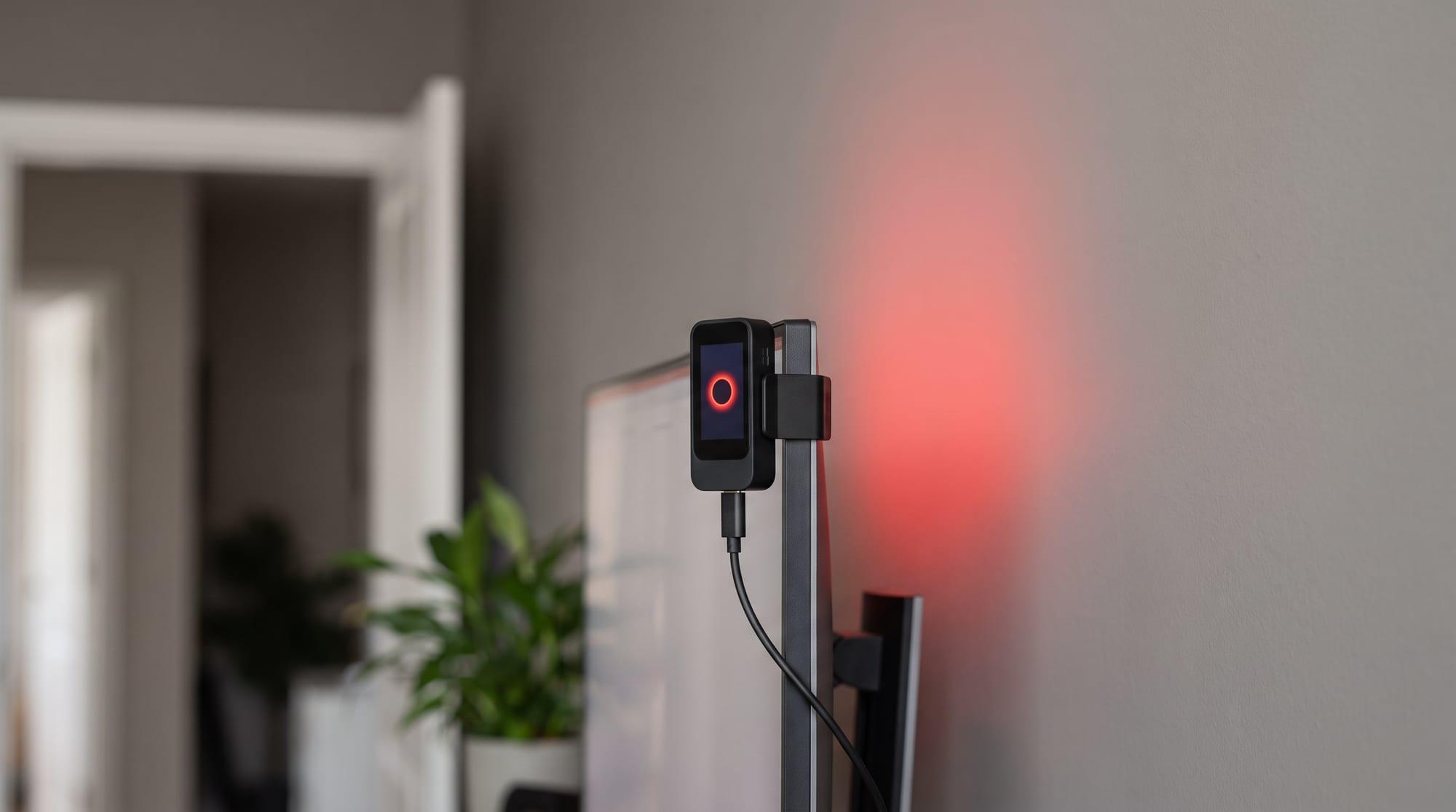
Make your own from the open files today. Pre-built lights come later.
The circuit board (KiCad and Gerbers), the parts list and the 3D-printable case. All open source.
Design filesUpload the files to a board maker like JLCPCB and they'll build and assemble it. Print the case at home or through a print service.
How to orderThe light only ever calls out to bzzy. Nothing needs to reach it, so it's happy on locked-down office networks.
It remembers your last status and today's calendar, and keeps time on its own clock if Wi-Fi drops.
Add a line like "On a call, back at 3" under your status, or put a message up on its own in big letters.
One cable for power. Clips to the top of your monitor. No batteries, no subscription.
Set your desk light from your phone or laptop.
First time here? Sign in with GitHub, then add a passkey in Settings.
Pre-built lights, assembled and tested, are on the way. No soldering iron needed.
Use it alone, or set up a team: admins see everyone's light at a glance and can push a message to all of them.
Open design files for the circuit board and case, and open firmware. Order the board, print the case, flash it.